Christian Green

CSCI 496: Senior Portfolio
In partial fulfillment of the requirements for the degree of Bachelor of Science in Computer-Science (Class of 2026)
View My Resume
Game Collection
- Class: Object Oriented Programming
- Grade: A
- Language(s): Java
- Source Code Repository: features/mastering-markdown
(Please email me to request access.)
Project description
This was a group project that was a collection of games where each team member made their own game. The games are played via the command line with a menu of options of which game to play and also a menu that includes instructions on how to play the game. The user can choose between Uno, Blackjack, War, or GoFish.
How to compile and run the program
The program is run as a project in Netbeans IDE version 20 using JDK 21. In Netbeans the program can be run by pressing the green play button or by pressing F6.
UI Design
The project has a command line interface that loads with a menu where a number is selected to determine the game to be played. 1 for Uno, 2 for Blackjack, 3 for War, and 4 for GoFish q is also on the front menu for the option to quit the program. After a game is selected another menu appears to give the user the options to play the game, view rules for how to play, or return to the main menu.
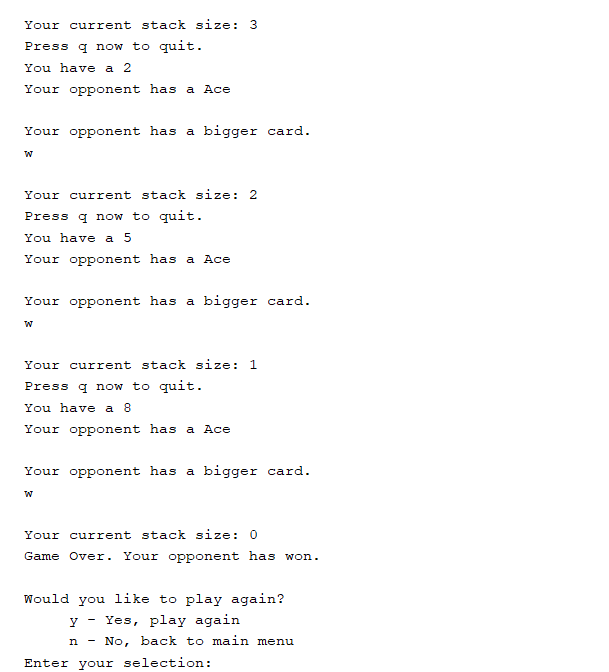
Fig 1. Example showing user playing War card game
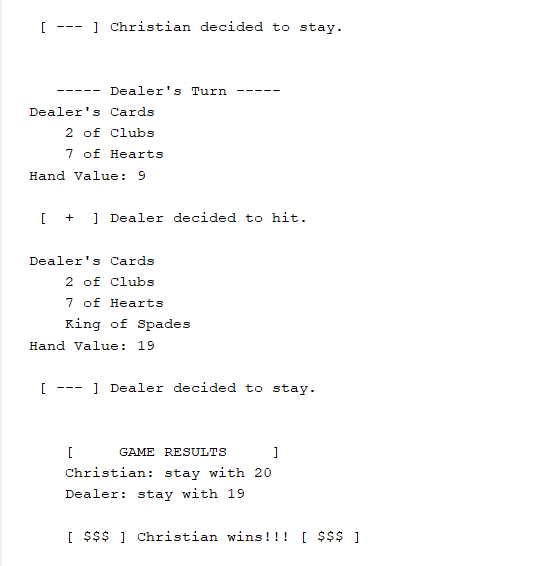
Fig 2. Example showing user playing Blackjack card game
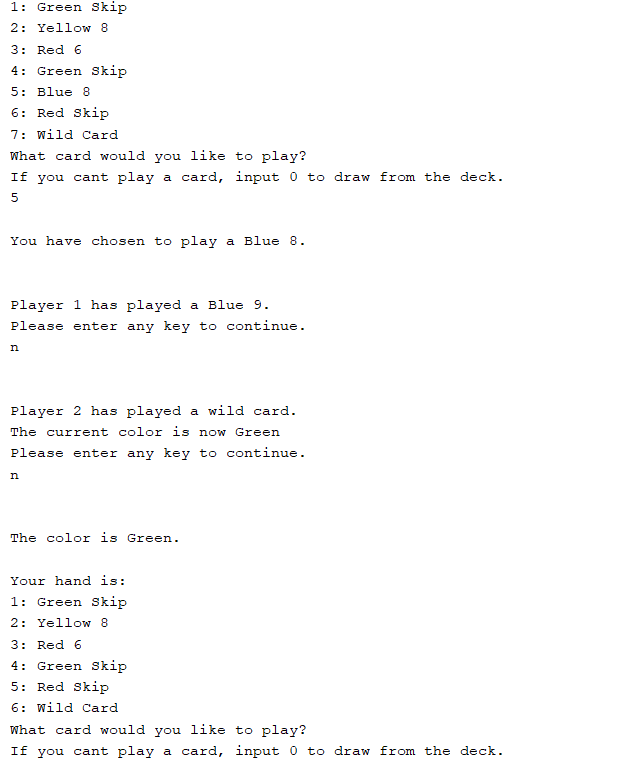
Fig 3. Example showing user playing UNO card game
3. Additional Considerations
This GameCollection program was run with Java in Netbeans IDE version 20 using JDK 21.